Performance briefing
Turn an operating workbook into a decision narrative

Try this
“Using @OperatingKPI, explain the KPI changes, comparisons, and decisions without inventing causes.”

Upload reports, documents, diagrams, data, and technical files to generate explainer videos, using narration and visual sequences to make relationships, changes, and steps clear.
Performance briefing
Try this
“Using @OperatingKPI, explain the KPI changes, comparisons, and decisions without inventing causes.”
Illustrative workflow · Clean Infographic
Try this
“Using @Riverford Neighborhood Recycling Guide, turn the source into a clear clean infographic explanation for residents preparing household recycling.”
Let the key numbers speak for themselves
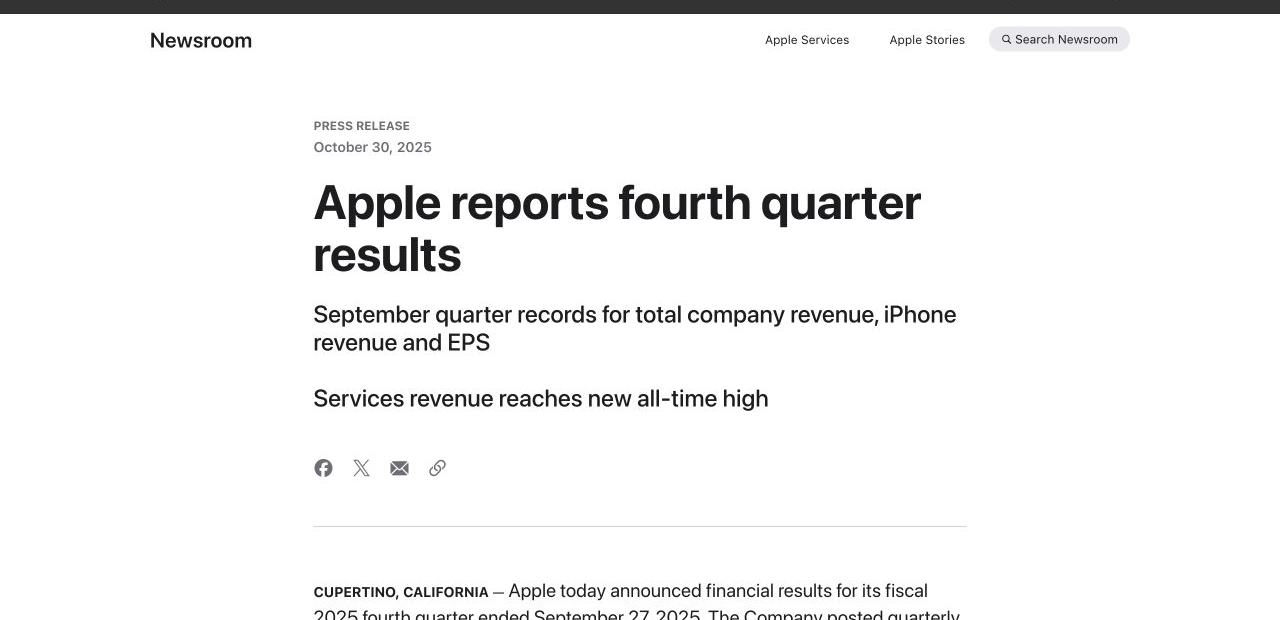
Try this
“Using https://www.apple.com/newsroom/2025/10/apple-reports-fourth-quarter-results/, tell a clear FY2025 story about growth, business mix, and cash flow.”
Make complex design easy to follow
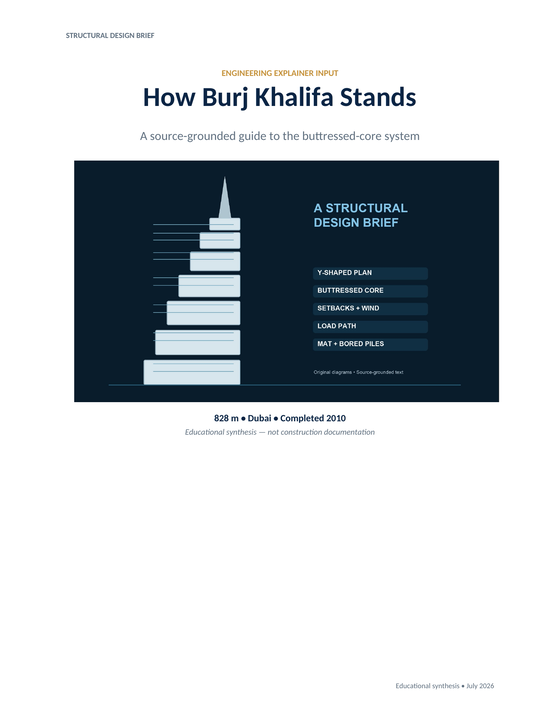
Try this
“Using @BurjKhalifa, show the Y-plan, buttressed core, wind setbacks, and piled mat.”
You have a report, plan, or performance update and need people to understand the decision behind the numbers before the meeting begins.
You need to show how a system, process, or technical choice works without asking every viewer to read the full specification.
You want a difficult concept, research paper, or visual model to feel approachable when someone sees it for the first time.
Prepare your documents
Learn how to turn documents, diagrams, data, and technical files into a clear explainer video, from choosing the question to reviewing narration and visuals.
A focused path
Decide what the viewer should understand, compare, or do after watching.
Use the report, source document, diagram, or data that contains the facts and language worth preserving.
Ask for a sequence that shows cause, change, structure, or comparison before expecting the audience to remember it.
Useful next step
Turn an existing source into a clear, reviewable explainer
A practical workflow for turning a document, PDF, presentation, image, or URL into a clear explainer video with KPainter.
Use this resource Guides and templatesPrepare PDFs, Word files, URLs, images, and supporting data so an explainer video has the right source, audience, and visual evidence.
Use this resource Word document workflowA source-first method and copyable brief for turning one Word document chapter, procedure, or report into a clear explainer video.
Use this resource Source-backed caseSee how a neighborhood recycling guide becomes a clear explainer video with a sorting decision path and pickup-day reminders.
Read case design Source-backed caseSee how an architecture and release guide becomes a developer onboarding video that connects components, release flow, and contribution context.
Read case designFollow the source from the viewer’s question to a complete visual explanation. Each step should reduce ambiguity instead of adding more content.
Choose one useful outcome for one audience.
Write what the viewer should understand, compare, decide, or do after watching. A single question keeps the video from becoming a broad document summary.
Use the current document that carries the facts.
Bring the report, PDF, Word file, diagram, workbook, or public page that contains the terminology, figures, and relationships worth preserving.
Keep only what helps answer the question.
Mark the sections, figures, examples, warnings, or steps that must appear. Treat the rest as background instead of giving every page equal weight.
Turn the source into a sequence of ideas.
Arrange the narration around cause, change, structure, comparison, or process. Preserve required wording while removing repetition that does not help the viewer.
Give each idea the visual form it needs.
Use diagrams for relationships, charts for changes, flows for procedures, and examples for decisions. Avoid decorative scenes that do not explain the source.
Create the narration and visuals as one explanation.
State the audience, question, source priorities, required terms, and preferred depth in the request so the first version has a clear review target.
Compare the video with the source before people rely on it.
Check terminology, figures, sequence, narration, and visual relationships. Revise the affected scene or request, then keep the video current when its source changes.