Illustrative workflow · Exploration Journey
Northstar Field Service Troubleshooting Playbook
Try this
“Using @Northstar Field Service Troubleshooting Playbook, turn the source into a clear exploration journey explanation for field service teams.”

Upload lessons, reports, processes, and technical briefs to generate structured explainer videos, with paid membership supporting runtimes up to 30 minutes.
Free: up to 3 minutes, without generated asset export. Paid membership: up to 30 minutes and asset export. Actual length depends on the source, production plan, and available credits. See plans and entitlements
Illustrative workflow · Exploration Journey
Try this
“Using @Northstar Field Service Troubleshooting Playbook, turn the source into a clear exploration journey explanation for field service teams.”
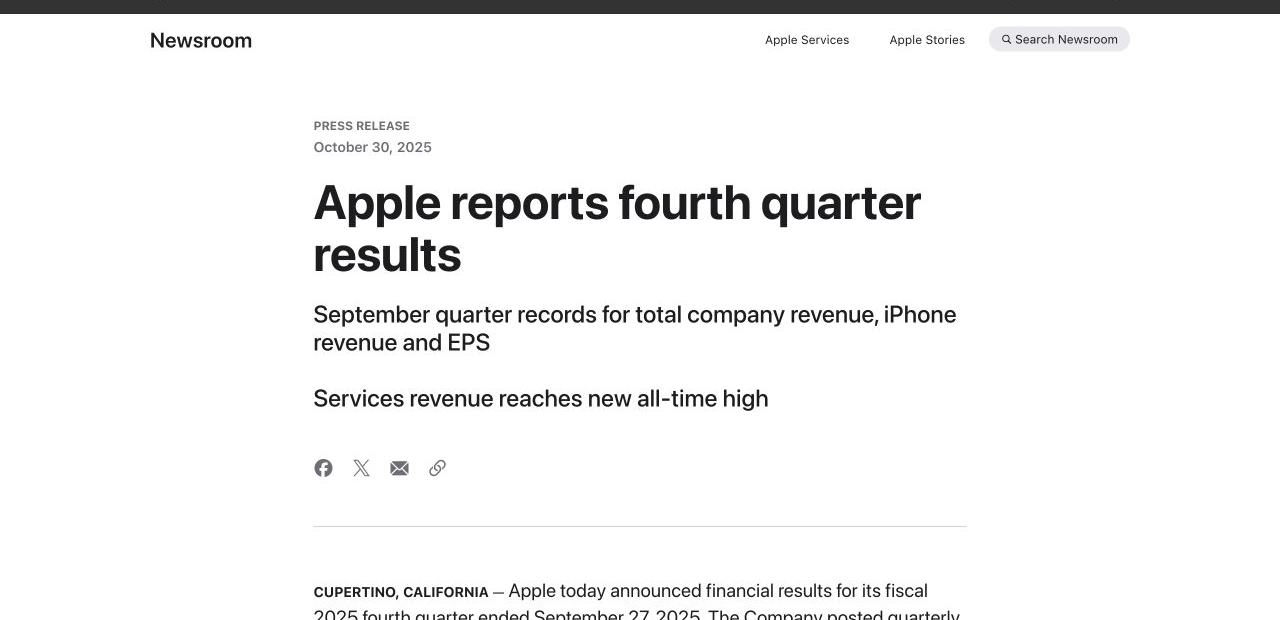
Let the key numbers speak for themselves
Try this
“Using https://www.apple.com/newsroom/2025/10/apple-reports-fourth-quarter-results/, tell a clear FY2025 story about growth, business mix, and cash flow.”
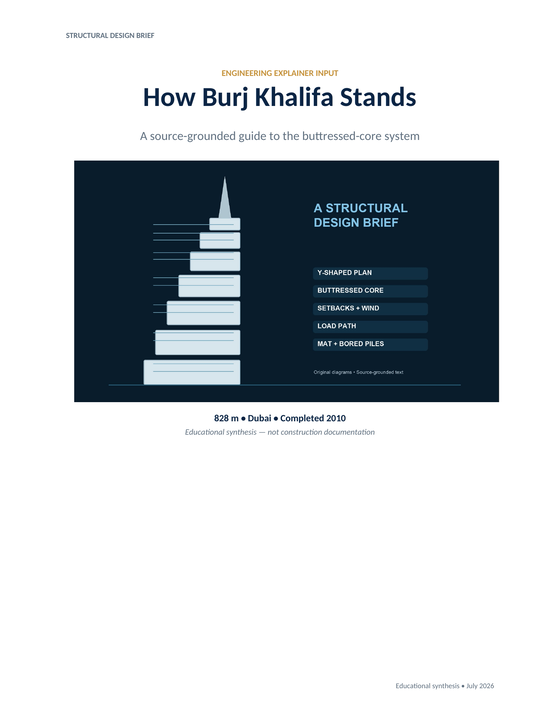
Make complex design easy to follow
Try this
“Using @BurjKhalifa, show the Y-plan, buttressed core, wind setbacks, and piled mat.”
You have a module that needs room for context, examples, and a sequence learners can revisit at their own pace.
You need a process, product, or onboarding explanation to hold together when a new teammate watches it without a presenter.
You have a complex system or evidence-rich brief that needs to show context and relationships before the conclusion makes sense.
Prepare your documents
Turn detailed lessons, reports, and technical briefs into long-form explainer videos. Longer runtimes and asset export require a paid membership.
A focused path
Name what the viewer needs to understand by the end, then group the source around the few questions that get them there.
Use the report, lesson, process, or brief that holds the facts, and call out the sections that must receive time and care.
Check that each chapter earns its place, key transitions are clear, and the finished video still answers the viewer’s original questions.
Useful next step
Build a longer explanation around connected viewer questions
A copyable course-video outline that turns a syllabus, workshop plan, or expert notes into a connected sequence of learning videos.
Use this resource Training design templateA copyable training-video storyboard template for making a procedure, check, exception, and handoff easier to follow without replacing the source procedure.
Use this resource Templates and checklistsA copyable 60-second script template for explaining a process, decision, chart, or technical workflow with clear visual evidence.
Use this resource Source-backed caseSee how a field-service troubleshooting playbook becomes a practical video walkthrough with a clear escalation handoff.
Read case design Source-backed caseSee how an exposure-triangle course outline becomes a visual lesson that compares aperture, shutter speed, and ISO.
Read case design