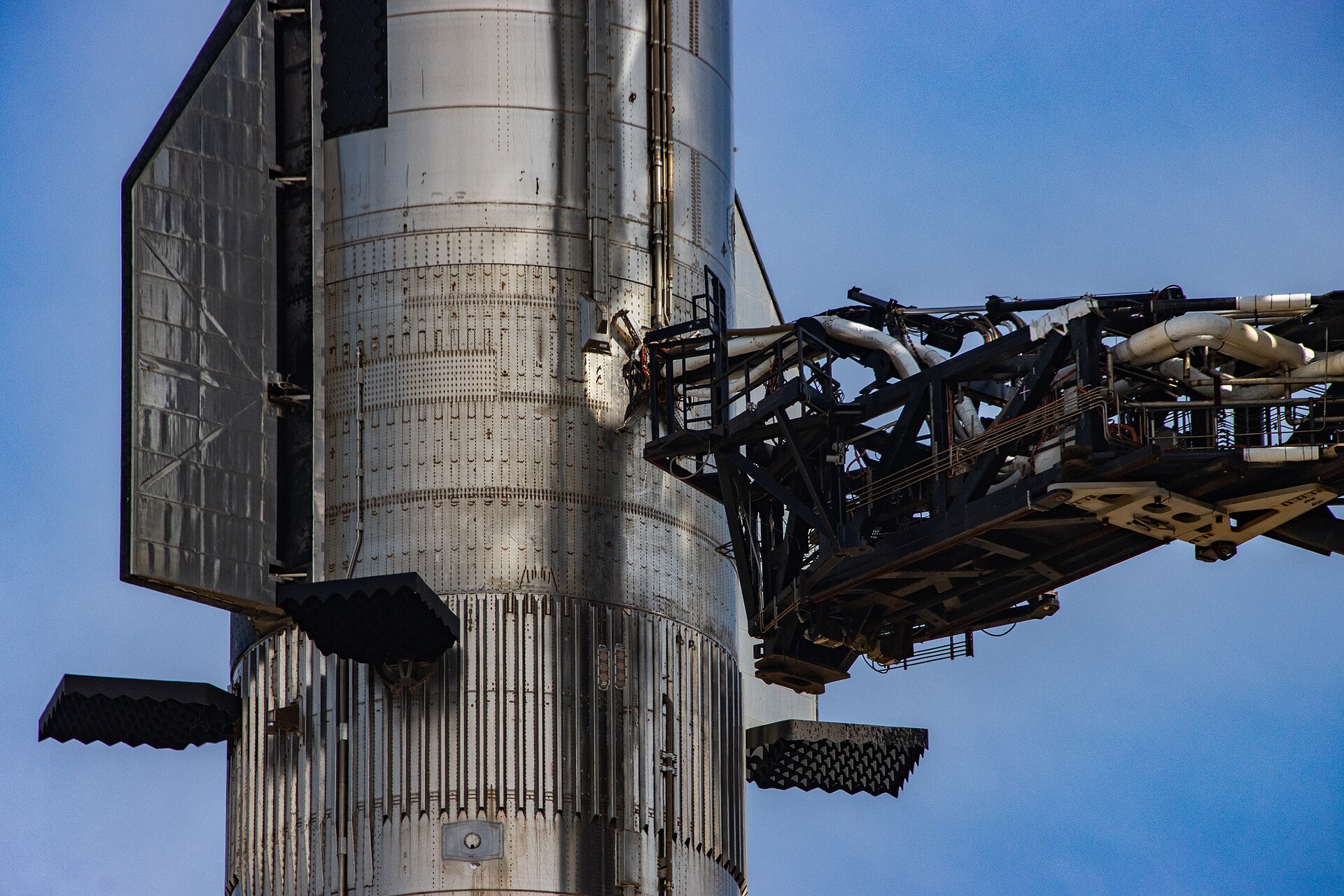
Mechanical explainer
Explain indexed motion from one mechanism image

Try this
“Using @GenevaDrive, show how continuous rotation becomes precise indexed motion.”

Upload product images, character references, diagrams, and other visual sources to generate precise explainer videos with narration, labels, visual structure, and a clear sequence.
Mechanical explainer
Try this
“Using @GenevaDrive, show how continuous rotation becomes precise indexed motion.”
Product setup tutorial

Try this
“Using @SensorModule, walk through preparation, part identification, connection, verification, and handoff.”
Make abstract ideas visible
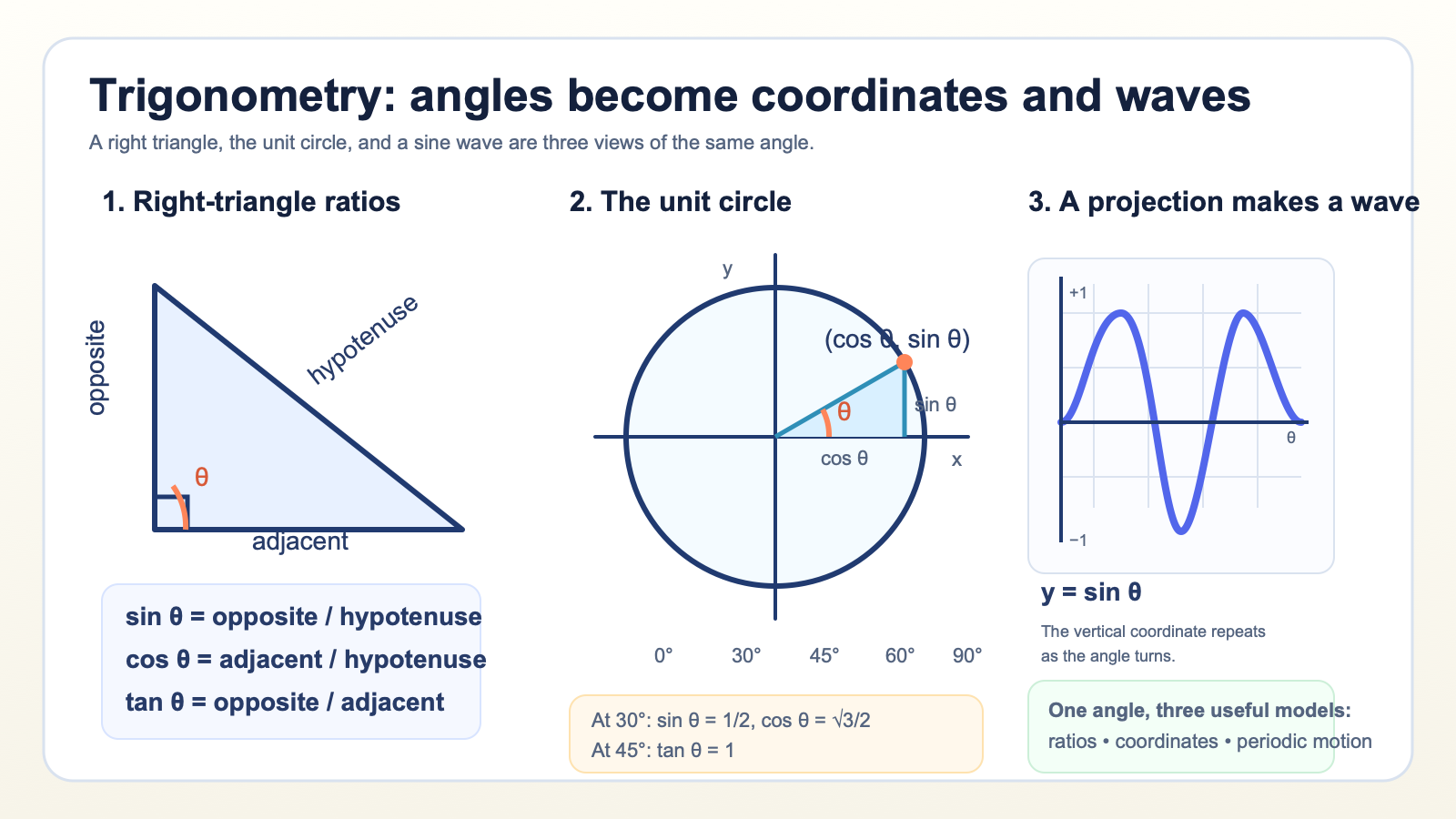
Try this
“Using @Trigonometry, connect the right triangle, unit circle, and sine wave.”
Make complex equipment easy to follow
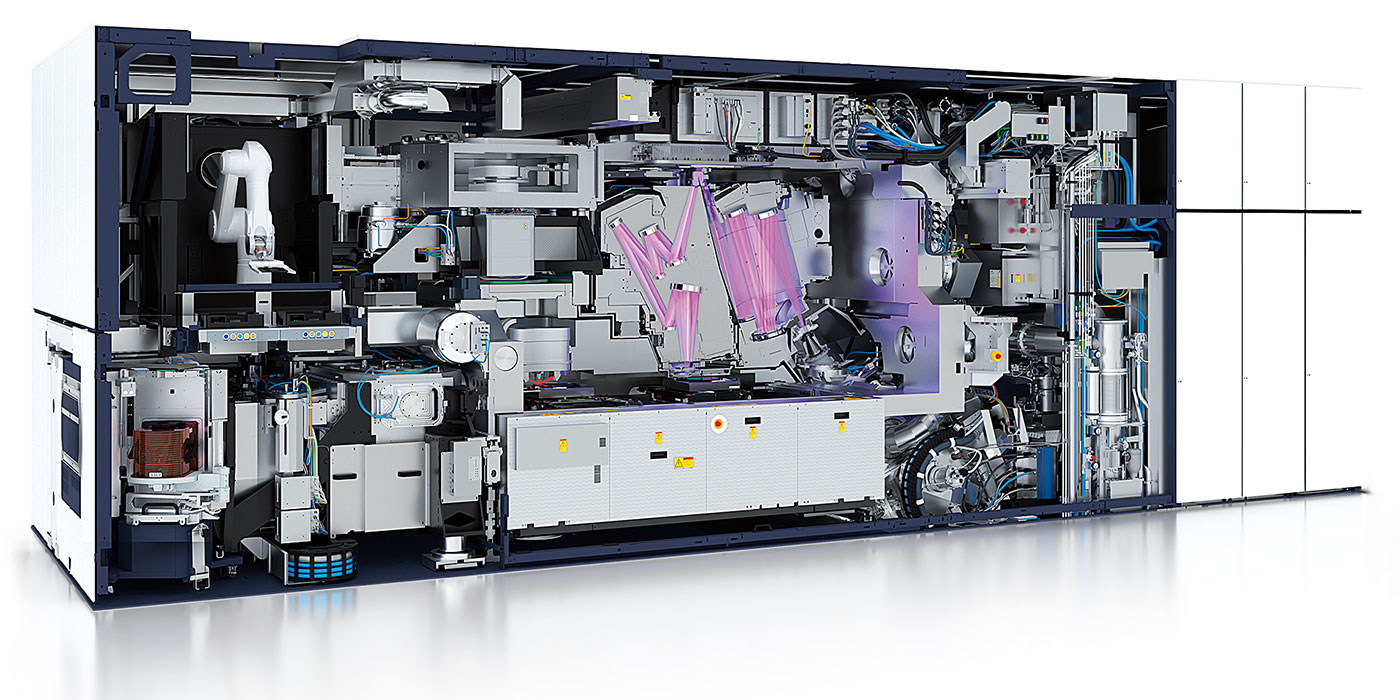
Try this
“Using @Lithography, explain the full path from exposure to pattern transfer.”
Bring a diagram to life
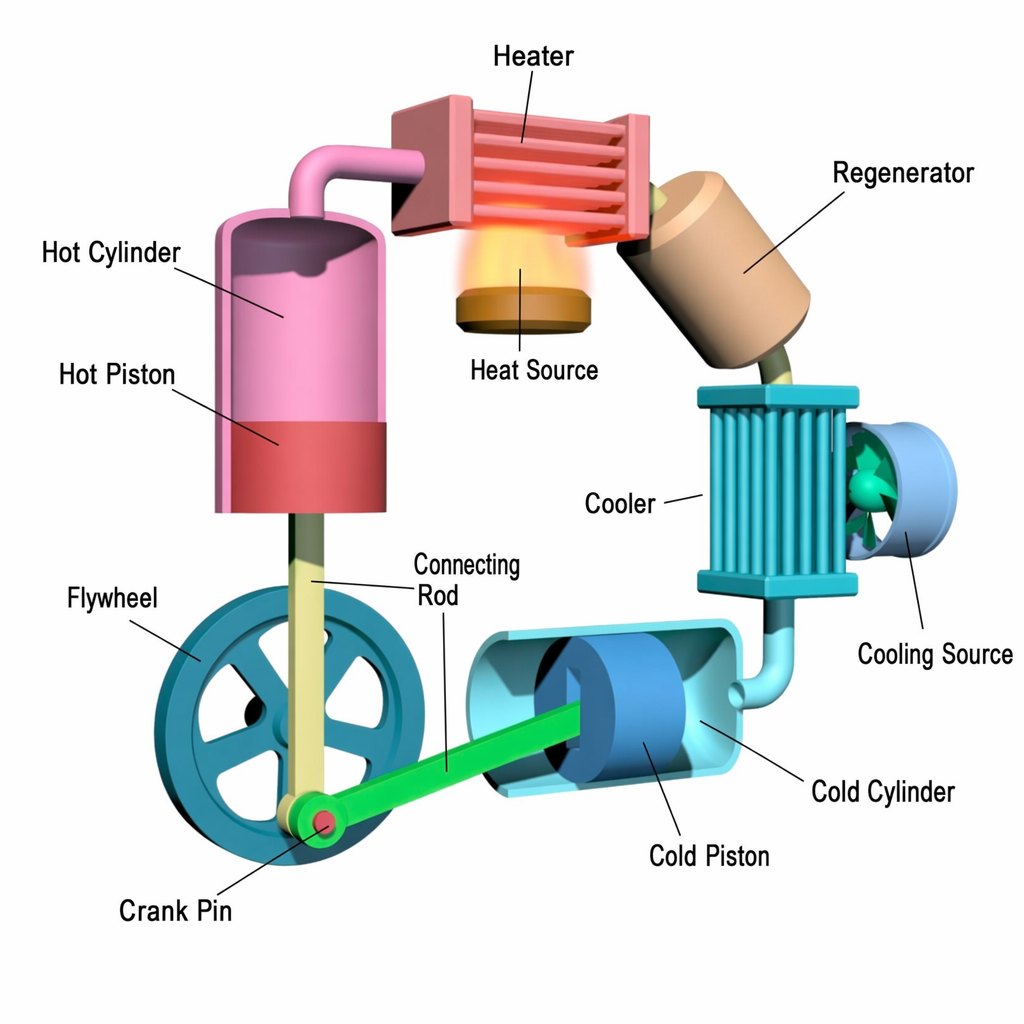
Try this
“Using @StirlingEngine, animate the component motion and energy conversion.”
You have a product image, key visual, or campaign reference and need a video that explains its value and context.
You want a portrait, illustration, or story frame to become a clear explanation with narration and supporting visuals.
You have a diagram, cutaway, or labeled image and need to explain how its parts, relationships, or process work.
Prepare your documents
Turn product images, diagrams, and visual references into image explainer videos with clear narration, labels, and supporting scenes.
A focused path
Use a product image, portrait, diagram, or visual reference that shows the subject the viewer needs to understand.
Name the audience, the question to answer, and the relationship, detail, or process that should become clear.
Use narration, labels, diagrams, and supporting scenes to guide the viewer from the image to the key takeaway.
Useful next step
Use an image, drawing, or diagram as the visual anchor for an explanation
A copyable technical explainer script template for turning documentation, architecture, or a runbook into a clear visual path.
Use this resource Guides and templatesPrepare PDFs, Word files, URLs, images, and supporting data so an explainer video has the right source, audience, and visual evidence.
Use this resource Source-backed caseSee how an architecture and release guide becomes a developer onboarding video that connects components, release flow, and contribution context.
Read case design Source-backed caseSee how a water-filter replacement manual becomes a reassuring homeowner video guide with parts, steps, and a final check.
Read case designImage to video can mean different jobs. Choose whether the image should carry an explanation, become a moving shot, or appear in a simple sequence.
Use when the viewer needs to understand parts, labels, relationships, evidence, or a process shown by the image.
KPainter uses the image as the source anchor, then adds narration, labels, diagrams, and supporting scenes around one clear question.
Use when the main outcome is motion, camera movement, atmosphere, or a short visual shot.
Choose an image-to-video generation workflow when the image itself should move and a narrated explanation is not the primary goal.
Use when several images only need to appear in order with simple captions, timing, or music.
Use a slideshow or timeline editor for a direct sequence. Choose KPainter when those images need a new narration and explanatory structure.