Illustrative workflow · Clean Infographic
Riverford Neighborhood Recycling Guide
Try this
“Using @Riverford Neighborhood Recycling Guide, turn the source into a clear clean infographic explanation for residents preparing household recycling.”

Upload PDFs, PowerPoint decks, Word documents, Excel workbooks, technical diagrams, research papers, and public links to generate explainer, training, and course videos with runtimes up to 30 minutes.
Illustrative workflow · Clean Infographic
Try this
“Using @Riverford Neighborhood Recycling Guide, turn the source into a clear clean infographic explanation for residents preparing household recycling.”
Make complex design easy to follow
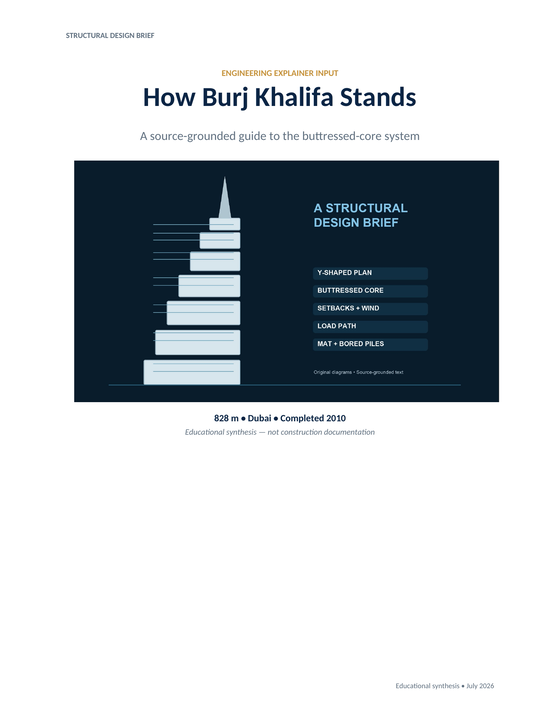
Try this
“Using @BurjKhalifa, show the Y-plan, buttressed core, wind setbacks, and piled mat.”
You want a report, spreadsheet, or KPI update to become a briefing people can understand before the meeting begins.
You need handbooks, SOPs, and policy documents to help new teammates get moving, not sit unread in a folder.
You want a paper, chapter, chart, or diagram to open up for someone seeing the topic for the first time.
You want to use manuals, design documents, and diagrams to show how something works—not simply describe it in another file.
Prepare your documents
Turn PDFs, exported slide or data pages, reports, research papers, and technical documents into clear explainer videos with KPainter.
A focused path
Is it a report, training manual, course chapter, data briefing, or technical reference?
Use the headings, terms, figures, steps, and relationships that make the source trustworthy.
Create a precise explainer, a training walkthrough, or a lesson sequence for the people who need it.
Useful next step
Turn an existing source into a clear, reviewable explainer
A practical workflow for turning a document, PDF, presentation, image, or URL into a clear explainer video with KPainter.
Use this resource Guides and templatesPrepare PDFs, Word files, URLs, images, and supporting data so an explainer video has the right source, audience, and visual evidence.
Use this resource Word document workflowA source-first method and copyable brief for turning one Word document chapter, procedure, or report into a clear explainer video.
Use this resource Source-backed caseSee how a neighborhood recycling guide becomes a clear explainer video with a sorting decision path and pickup-day reminders.
Read case design Source-backed caseSee how an architecture and release guide becomes a developer onboarding video that connects components, release flow, and contribution context.
Read case designThe same source can support different videos. Choose the outcome by what the viewer needs to understand or do next.
Best when a report, paper, or technical guide has one relationship that is hard to see from text alone.
Bring the source question, the pages or figures that answer it, and the audience that needs the explanation.
Best when a handbook, SOP, or policy needs to become one clear moment of work or learning.
Scope the video to one role, task, or handoff. Keep the current document as the reference for full rules and updates.
Best when a report and its data need to prepare someone for a meeting, choice, or discussion.
Name the decision first, then use only the charts, comparisons, and context that make that choice easier to recognise.