Mechanical explainer
Explain indexed motion from one mechanism image

Try this
“Using @GenevaDrive, show how continuous rotation becomes precise indexed motion.”

Upload PDFs, PowerPoint decks, Word documents, Excel workbooks, diagrams, reports, and public links to generate explainer videos with narration, visual structure, and runtimes up to 30 minutes.
Mechanical explainer
Try this
“Using @GenevaDrive, show how continuous rotation becomes precise indexed motion.”
Performance briefing

Try this
“Using @OperatingKPI, explain the KPI changes, comparisons, and decisions without inventing causes.”
Clinical education

Try this
“Using @BloodPressureGuide, explain the feedback mechanism, measurement sequence, trend reading, and safety boundaries.”
Course lesson

Try this
“Using @UrbanHeatDeck, turn the slide sequence into a replayable lesson and label illustrative chart values clearly.”
Illustrative workflow · Clean Infographic
Try this
“Using @Riverford Neighborhood Recycling Guide, turn the source into a clear clean infographic explanation for residents preparing household recycling.”
Illustrative workflow · Exploration Journey
Try this
“Using @Northstar Field Service Troubleshooting Playbook, turn the source into a clear exploration journey explanation for field service teams.”
Let the key numbers speak for themselves
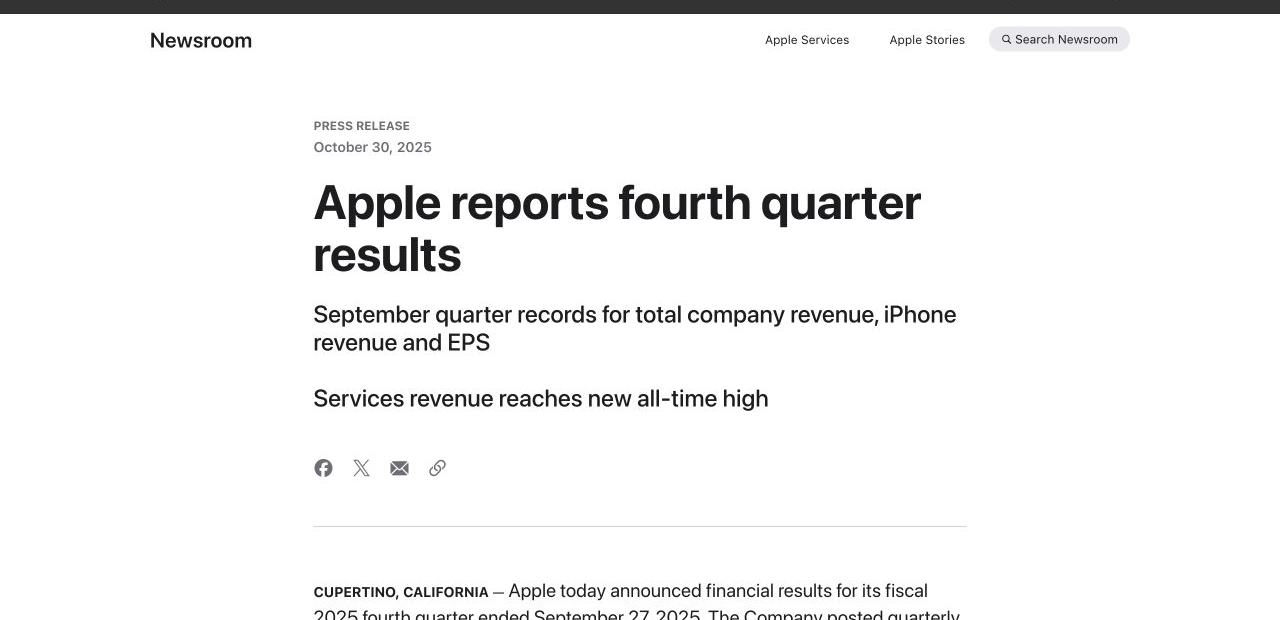
Try this
“Using https://www.apple.com/newsroom/2025/10/apple-reports-fourth-quarter-results/, tell a clear FY2025 story about growth, business mix, and cash flow.”
Make complex design easy to follow
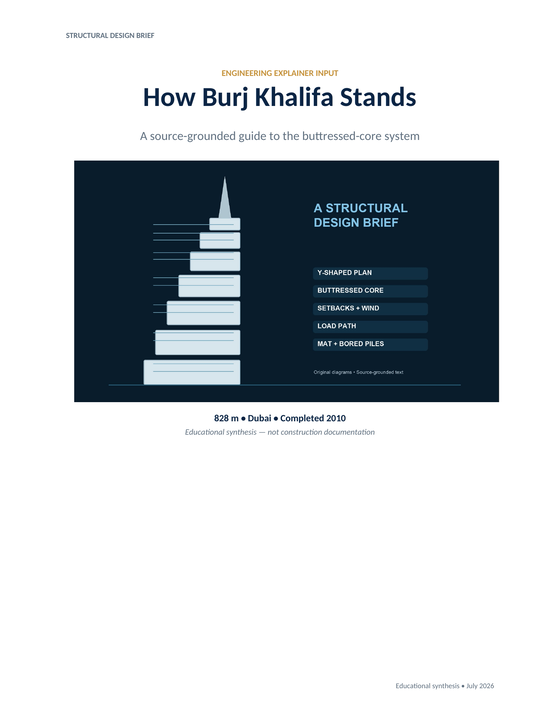
Try this
“Using @BurjKhalifa, show the Y-plan, buttressed core, wind setbacks, and piled mat.”
You need people to understand the decision behind a report, KPI, business plan, or market update before the meeting begins.
You need to show how a system, product, architecture, or technical process works without asking everyone to read the whole specification.
You want a paper, diagram, or difficult idea to feel approachable for people seeing it for the first time—and useful when they return to it later.
Prepare your documents
Turn reports, documents, diagrams, data, and technical knowledge into precise AI explainer videos with KPainter.
A focused path
Choose the concept, decision, mechanism, or process your audience needs to understand.
Use the report, document, diagram, or data that already holds the facts and terms your audience needs.
Build a sequence that reveals relationships, not a collage of generic clips.
Useful next step
Turn an existing source into a clear, reviewable explainer
A practical workflow for turning a document, PDF, presentation, image, or URL into a clear explainer video with KPainter.
Use this resource Guides and templatesPrepare PDFs, Word files, URLs, images, and supporting data so an explainer video has the right source, audience, and visual evidence.
Use this resource Word document workflowA source-first method and copyable brief for turning one Word document chapter, procedure, or report into a clear explainer video.
Use this resource Source-backed caseSee how a neighborhood recycling guide becomes a clear explainer video with a sorting decision path and pickup-day reminders.
Read case design Source-backed caseSee how an architecture and release guide becomes a developer onboarding video that connects components, release flow, and contribution context.
Read case design