Technical tutorial
Turn an HTTP reference page into a request-lifecycle lesson
Try this
“Using MDN HTTP overview, explain the HTTP request lifecycle from client setup through response, caching, and failure boundaries.”

Start from a public webpage and define the audience, question, and sections that should become a narrated visual explanation.
Technical tutorial
Try this
“Using MDN HTTP overview, explain the HTTP request lifecycle from client setup through response, caching, and failure boundaries.”
Let the key numbers speak for themselves
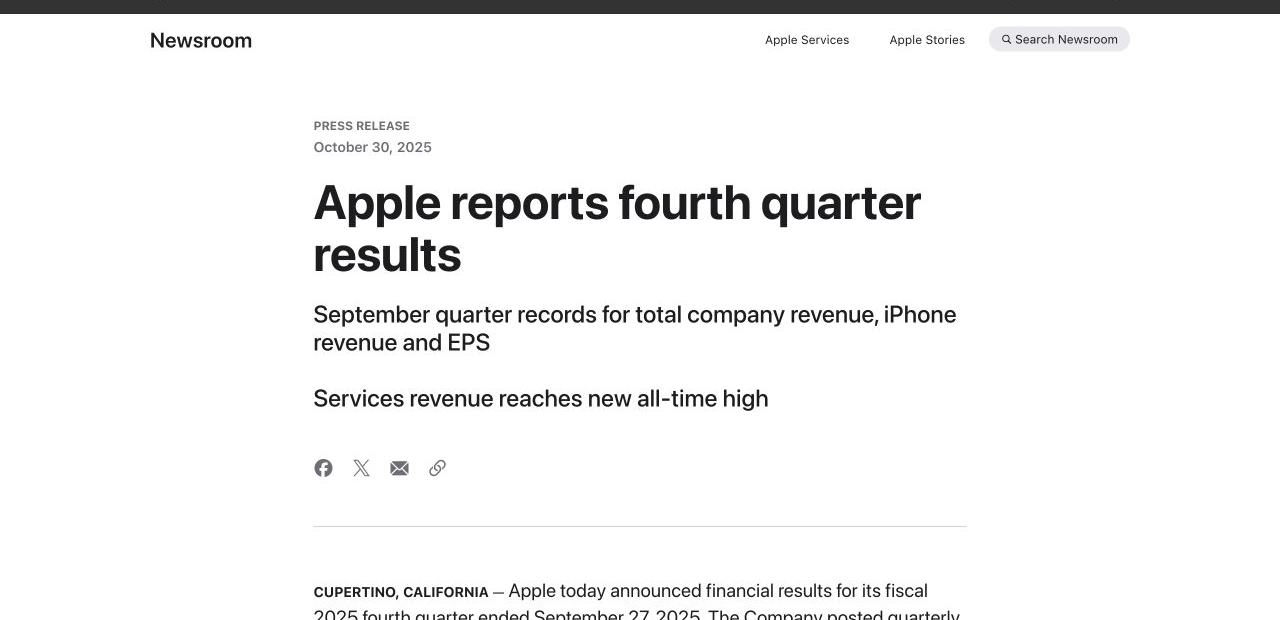
Try this
“Using https://www.apple.com/newsroom/2025/10/apple-reports-fourth-quarter-results/, tell a clear FY2025 story about growth, business mix, and cash flow.”
AI governance explainer
Try this
“Using NIST AI Risk Management Framework, explain the framework’s core structure and how its parts relate.”
Developer tutorial
Try this
“Using MCP introduction, show how clients, servers, and tools work together in the MCP architecture.”
You want a product page or help article to become a focused explanation for one customer question.
You need a public reference to become easier to follow while keeping its source and context visible.
Prepare your documents
Turn public webpages, help articles, product pages, and reference documents into structured explainer videos.
A focused path
Name the audience, the question to answer, and the page sections, figures, or terms that matter most.
Add the current source and name the sections, terms, figures, or steps that the explanation must preserve.
Review quotations, figures, dates, terminology, and source links against the current webpage before sharing the video.
Useful next step
Turn a current webpage or product guide into a clear next-step video
Choose whether a current webpage should become a task-focused explainer video or stay a live screen recording of the interface.
Use this resource Product education workflowTurn release notes into a clear customer or team explanation by connecting what changed to the task, audience, and next action it affects.
Use this resource Customer education templateA reusable template for turning a help article, implementation guide, or product brief into a customer video that leads to one useful outcome.
Use this resource Source-backed caseSee how a first-use product guide becomes a customer education video that connects the first action to visible value.
Read case design Source-backed caseSee how a water-filter replacement manual becomes a reassuring homeowner video guide with parts, steps, and a final check.
Read case designA URL can point to source material or to an existing media file. KPainter uses a public webpage as evidence for a new explanation; downloading and transcoding are different tasks.
Use when a public page contains the facts, steps, product details, or reference material the viewer needs explained.
KPainter reads the page as a source, then creates new narration and a visual sequence around the audience and question you define.
Use when you need to save a video that is already hosted by a platform or publisher.
Use the platform’s authorized download or export option. KPainter does not use a video URL to download or copy the existing video.
Use when the goal is to change format, codec, resolution, aspect ratio, or file size without creating a new explanation.
Use a video editor or transcoder for media conversion. KPainter’s URL workflow creates a new explainer from webpage content.