Product setup tutorial
Turn one product image into a setup walkthrough

Try this
“Using @SensorModule, walk through preparation, part identification, connection, verification, and handoff.”

Upload help articles, release notes, implementation guides, demo scripts, and feature walkthroughs to generate precise customer-education videos with a clear task flow and product context.
Product setup tutorial
Try this
“Using @SensorModule, walk through preparation, part identification, connection, verification, and handoff.”
Customer enablement

Try this
“Using @AsterSenseSetup, explain identification, preparation, connection, verification, stop conditions, and handoff.”
Operations training

Try this
“Using @CustomerRequestSOP, turn intake, classification, routing, evidence, handoff, and closure into one clear workflow.”
Technical tutorial
Try this
“Using MDN HTTP overview, explain the HTTP request lifecycle from client setup through response, caching, and failure boundaries.”
Illustrative workflow · Motion Graphics
Try this
“Using @Orbit First Useful Outcome Guide, turn the source into a clear motion graphics explanation for product and customer education teams.”
Help customers see the value sooner
Try this
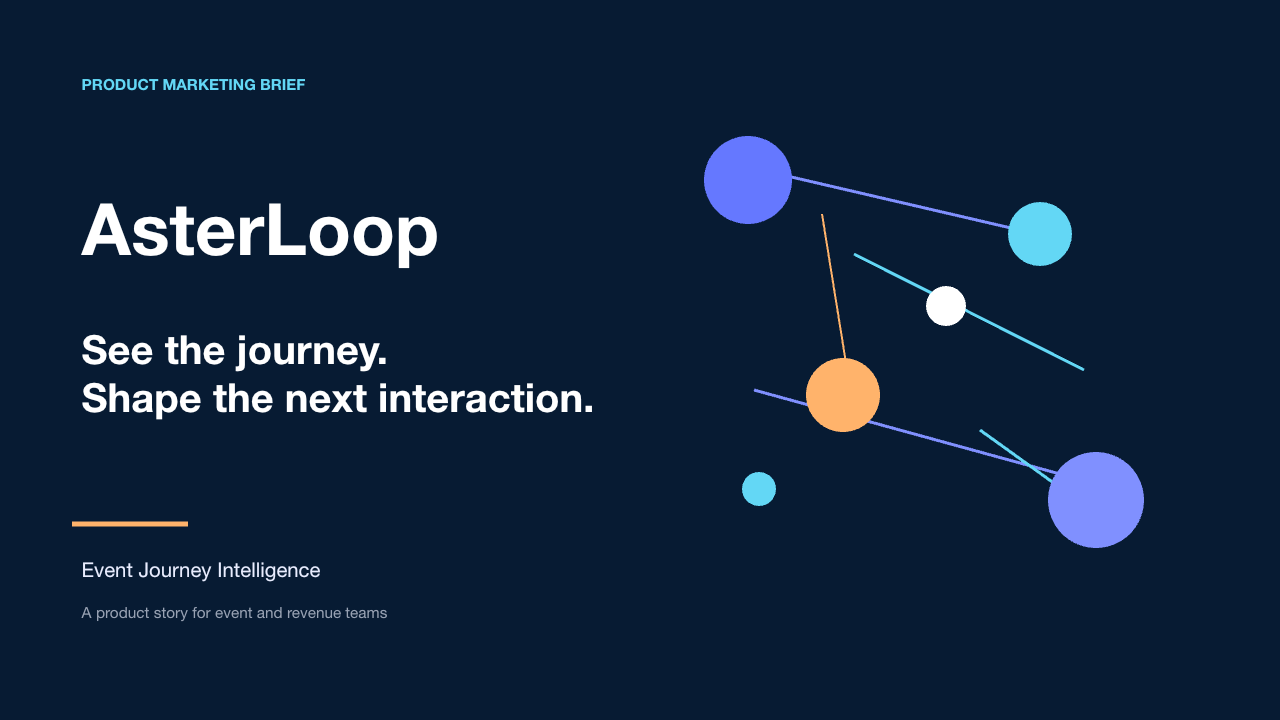
“Using @AsterLoop product marketing brief, show an interview, product journey, and brand close.”
You need a guide to feel like a clear path through a real task, not another article customers save for later.
You want the same explanation to help customers, new teammates, and support conversations stay aligned.
Prepare your documents
Turn help articles, release notes, implementation guides, and demo scripts into customer education videos that support product adoption.
A focused path
Name the customer’s starting point, the outcome they want, and the point where a feature or decision makes progress possible.
Add the current source and name the sections, terms, figures, or steps that the explanation must preserve.
Have the product or documentation owner confirm that the workflow, labels, and current version details still match what customers see.
Useful next step
Turn a current webpage or product guide into a clear next-step video
Turn a product guide or adoption workflow into a customer education video that connects the first action to visible value.
Use this resource Webpage and help workflowChoose whether a current webpage should become a task-focused explainer video or stay a live screen recording of the interface.
Use this resource Product education workflowTurn release notes into a clear customer or team explanation by connecting what changed to the task, audience, and next action it affects.
Use this resource Source-backed caseSee how a first-use product guide becomes a customer education video that connects the first action to visible value.
Read case design Source-backed caseSee how a water-filter replacement manual becomes a reassuring homeowner video guide with parts, steps, and a final check.
Read case design