Illustrative workflow · Editorial Exhibition
City Science Night Brief and Agenda
Try this
“Using @City Science Night Brief and Agenda, turn the source into a clear editorial exhibition explanation for event and community communications teams.”

Upload campaign briefs, event agendas, speaker notes, launch plans, and brand assets to generate precise marketing videos with a clear audience story, program structure, and brand context.
Illustrative workflow · Editorial Exhibition
Try this
“Using @City Science Night Brief and Agenda, turn the source into a clear editorial exhibition explanation for event and community communications teams.”
Help customers see the value sooner
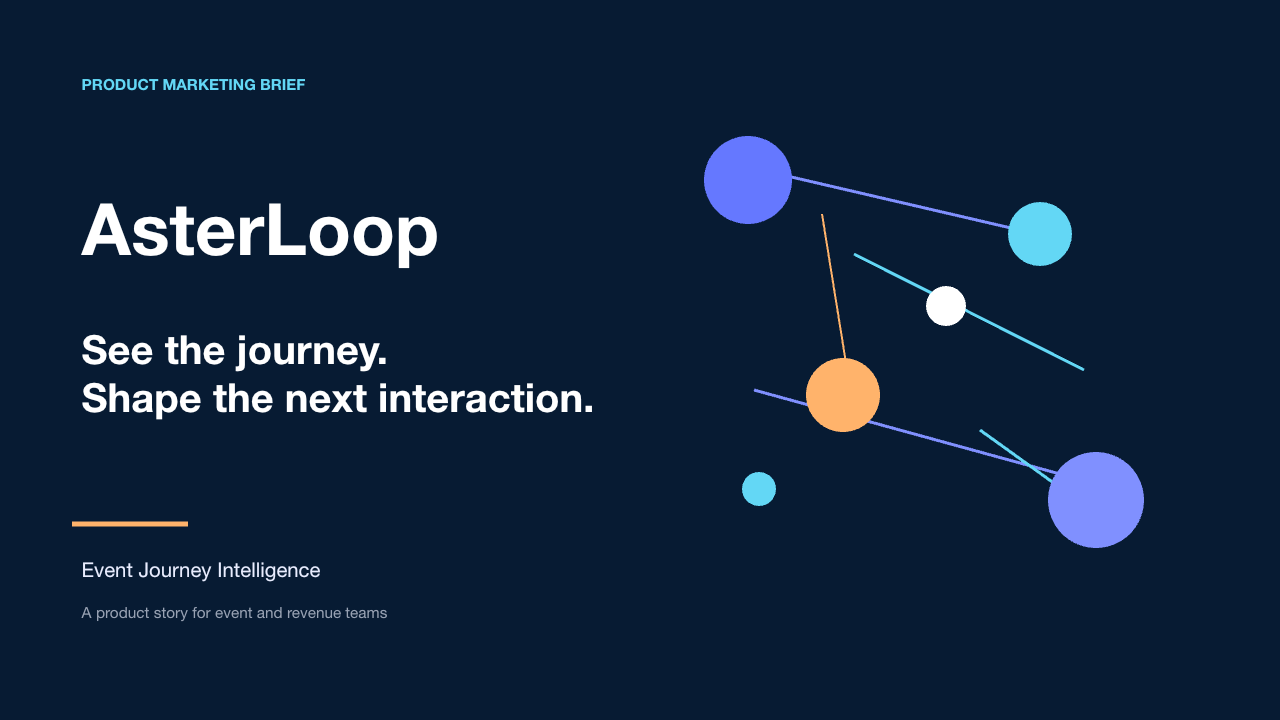
Try this
“Using @AsterLoop product marketing brief, show an interview, product journey, and brand close.”
You need a brief-led story that makes the audience promise more concrete.
Prepare your documents
Turn campaign briefs, event agendas, speaker notes, launch plans, and brand assets into clear audience-led video stories.
A focused path
Start with the audience promise, then show the moments that make it credible and specific.
Add the current source and name the sections, terms, figures, or steps that the explanation must preserve.
Have the campaign or event owner approve names, dates, brand assets, claims, and the final audience promise before publishing.
Useful next step
Turn a brief or agenda into a clear public-facing story
Turn an event agenda, public guide, or volunteer briefing into a clear video that explains purpose, flow, and the next action.
Use this resource PPT and training workflowA practical outline for turning a PowerPoint deck into a focused training video that explains one repeatable task or decision.
Use this resource Product and customer educationTurn a product guide or adoption workflow into a customer education video that connects the first action to visible value.
Use this resource Source-backed caseSee how a science-night agenda becomes an event video that introduces the theme, programme flow, and reason to attend.
Read case design Source-backed caseSee how a community food-drive briefing becomes a warm volunteer video that clarifies purpose, roles, and collection flow.
Read case design