
User Manual Walkthrough Template
Published Aug 3, 2026 By Xinwei
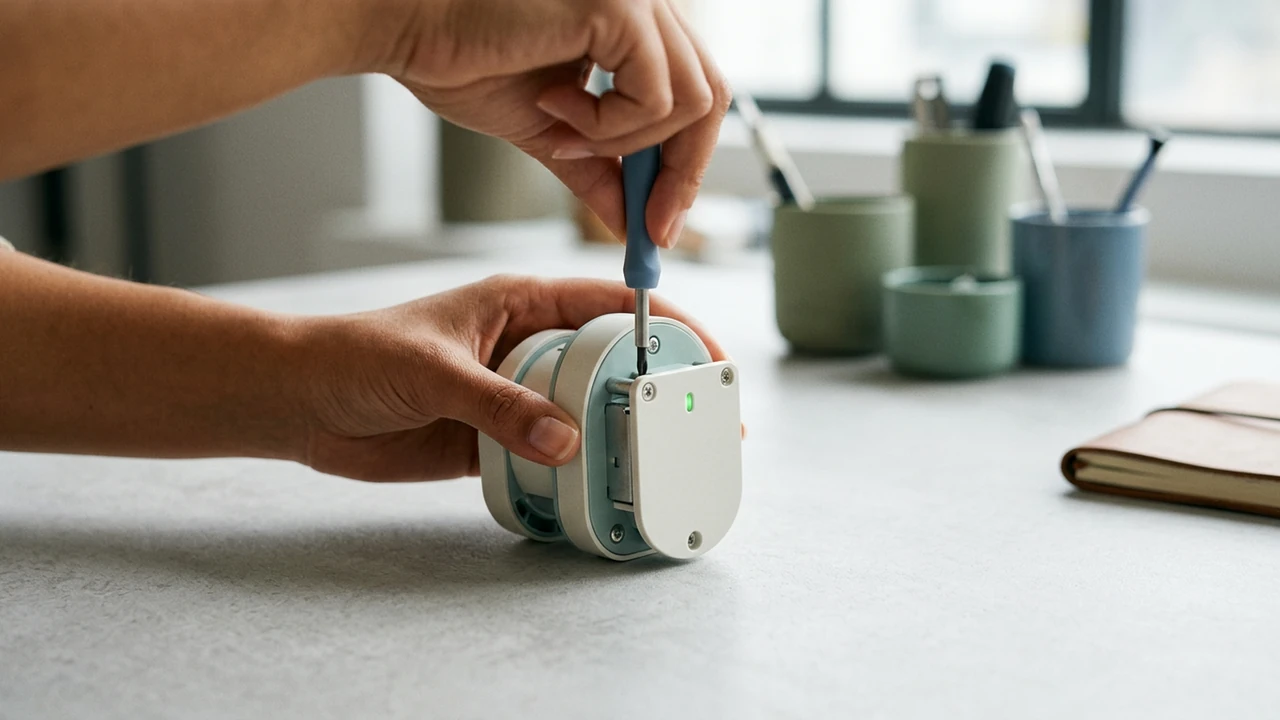
A useful manual video begins with one real task, not a tour of the whole document. It helps a viewer recognise the starting condition, perform the sequence, check the result, and return to the manual for specifications or exceptions.
Choose one task with a visible result
Start with a job a viewer can recognise: replace a filter, prepare a device, inspect a condition, clean a component, or recover from a common issue. The manual remains the source for exact parts, safety information, specifications, revision history, and every edge case.
| Walkthrough beat | Viewer needs to know | Source detail to retain |
|---|---|---|
| 1. Trigger | When this task is needed | Full diagnostic criteria |
| 2. Prepare | What must be ready first | Approved parts and specifications |
| 3. Perform | The normal sequence | Complete step wording |
| 4. Check | What confirms success | Tolerances and detailed tests |
| 5. Exception | When to stop or escalate | Full troubleshooting tree |
| 6. Next action | Where to find current details | Revision and support path |
Copy this manual walkthrough brief
- Manual title, revision, and task section: ______________________________
- Viewer, product or system, and starting condition: ______________________________
- Preparation, tools, or parts that must be ready: ______________________________
- Normal sequence and visible completion check: ______________________________
- Stop condition or exception that changes the route: ______________________________
- Manual link, support owner, or current source for full detail: ______________________________
Keep the physical check near the action
Show the condition a viewer should inspect before moving on. If the task has a safety warning or an exact tolerance, make the moment of relevance clear and direct the viewer to the current manual for the full requirement. A video is strongest when it helps someone follow a real sequence without pretending to contain every service detail.
See the water filter replacement case for a focused maintenance walkthrough, or the field-service troubleshooting case for a diagnostic decision path. Start from a user manual or guide when the source is current.
Source-backed cases
See how this task becomes a video
FAQ