
Turn SOPs and Manuals into Training Videos
Published Jul 31, 2026
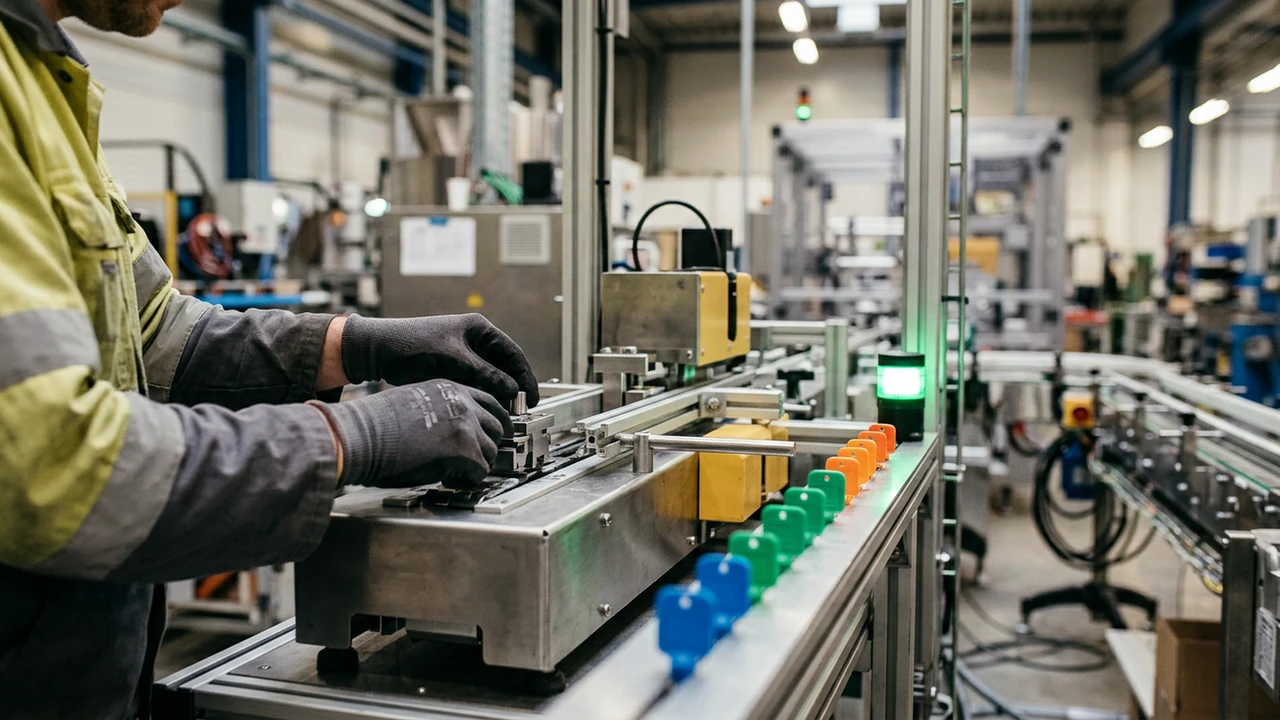
Training becomes easier to use when the video follows the moment of work: what to check first, what cannot be skipped, and when to hand off.
Choose one repeatable job
Do not begin with an entire manual. Start with one task that has a clear trigger, owner, readiness condition, and result. This keeps the video useful at the moment someone needs it.
Make checks and exceptions visible
Show the safety or quality check before the irreversible step. If an exception requires another person or record, show that handoff as part of the workflow rather than adding it as a final warning.
- Use an ordered sequence for physical procedures.
- Use a decision branch for troubleshooting or inspection.
- Keep controlled checklists and current requirements in the original source.
Keep the source current
A video can help people understand a procedure, but the responsible team should still own the current SOP and confirm the final sequence before it is used for training.
Source-backed cases
See how this task becomes a video
Manufacturing training caseHow to turn a packaging changeover checklist into operator trainingSee how a packaging-line changeover checklist becomes an operator training video with safety checks and a readiness decision.Read case design →Safety and quality caseHow to turn a receiving-exception handoff into safety trainingWatch a warehouse receiving-exception handoff become a safety and quality training video with visible checks, clear ownership, and an accountable next step.Read case design →User manual caseHow to turn a replacement manual into a clear homeowner video guideSee how a water-filter replacement manual becomes a reassuring homeowner video guide with parts, steps, and a final check.Read case design →
FAQ