
トレーニングビデオストリーボードテンプレート
出版 2026年8月3日 によって Xinwei
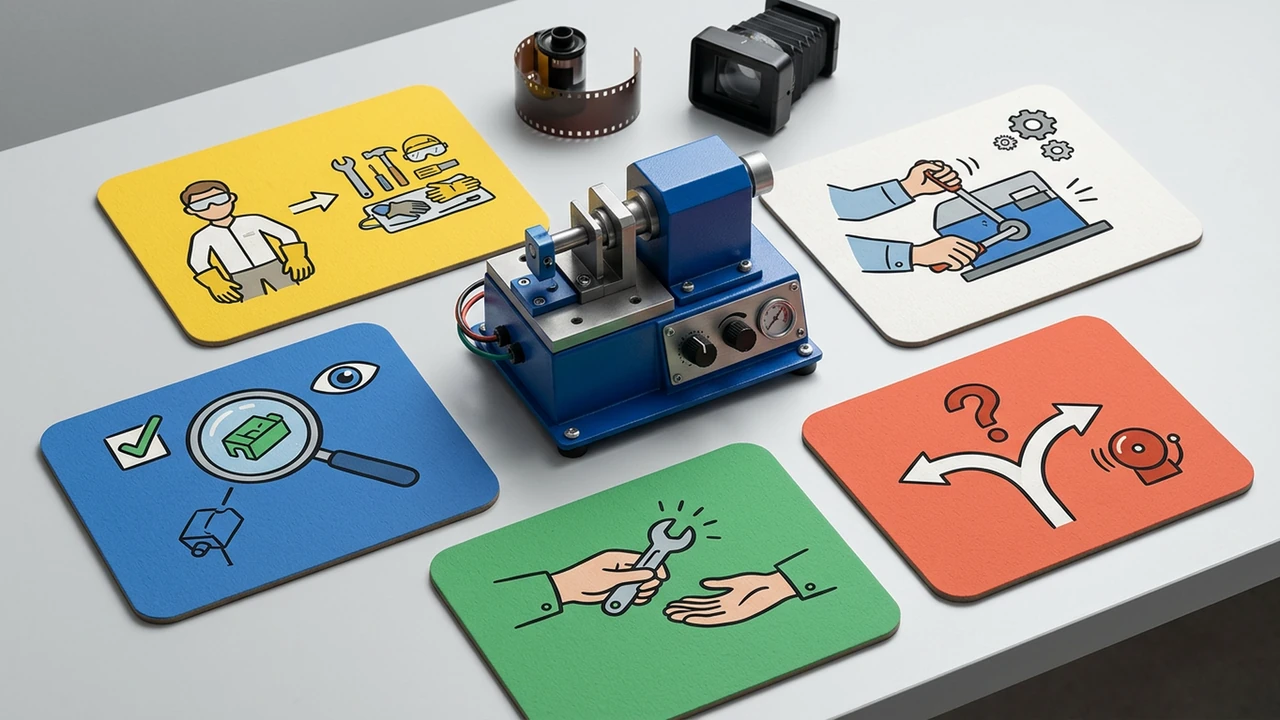
トレーニングは、学習者が仕事の瞬間、重要なチェック、そしてルートを何が変えるかを見ることができるときにより明確になります。 このテンプレートを使用して、コントロールされたソースを焦点視覚順序に変換します。
Storyboard one repeatable job
Start with the role and the moment when the procedure matters. A training storyboard should show the normal route, the critical check, the exception that changes the route, and the handoff. The full controlled procedure remains available for every detail.
Copy this training storyboard
| Beat | Learner question | Source evidence | What the visual shows | Check or handoff |
|---|---|---|---|---|
| 1. Trigger | When do I use this? | Procedure title or role guide | Work context | Recognise the moment |
| 2. Prepare | What must be ready? | Prerequisites or materials | Required items or state | Stop if incomplete |
| 3. Perform | What is the normal path? | Ordered steps | One action sequence | Confirm the result |
| 4. Decide | What changes the route? | Exception or threshold | Contrast or branch | Escalate or select route |
| 5. Hand off | What happens next? | Record or owner | Evidence package and next role | Keep current source visible |
Make checks observable
Avoid generic phrases such as “follow the process.” Name what a learner should look for, compare, confirm, or record. If a check depends on specialist judgment, show the decision boundary and direct the viewer to the responsible source or owner.
Keep the source in control
The storyboard is a teaching aid, not a substitute for controlled instructions. Review names, numbers, warnings, stop conditions, and escalation routes against the latest SOP or manual before sharing.
See the packaging line changeover case for a focused operational sequence, or the SOP training checklist for a companion review method. Start from an SOP or training source when the learner role is clear.
ソースサポートケース
このタスクがビデオになる方法を見る
FAQ