
PPT 설명 동영상 스토리보드 템플릿
출판 2026년 8월 1일 에 의해 Xinwei
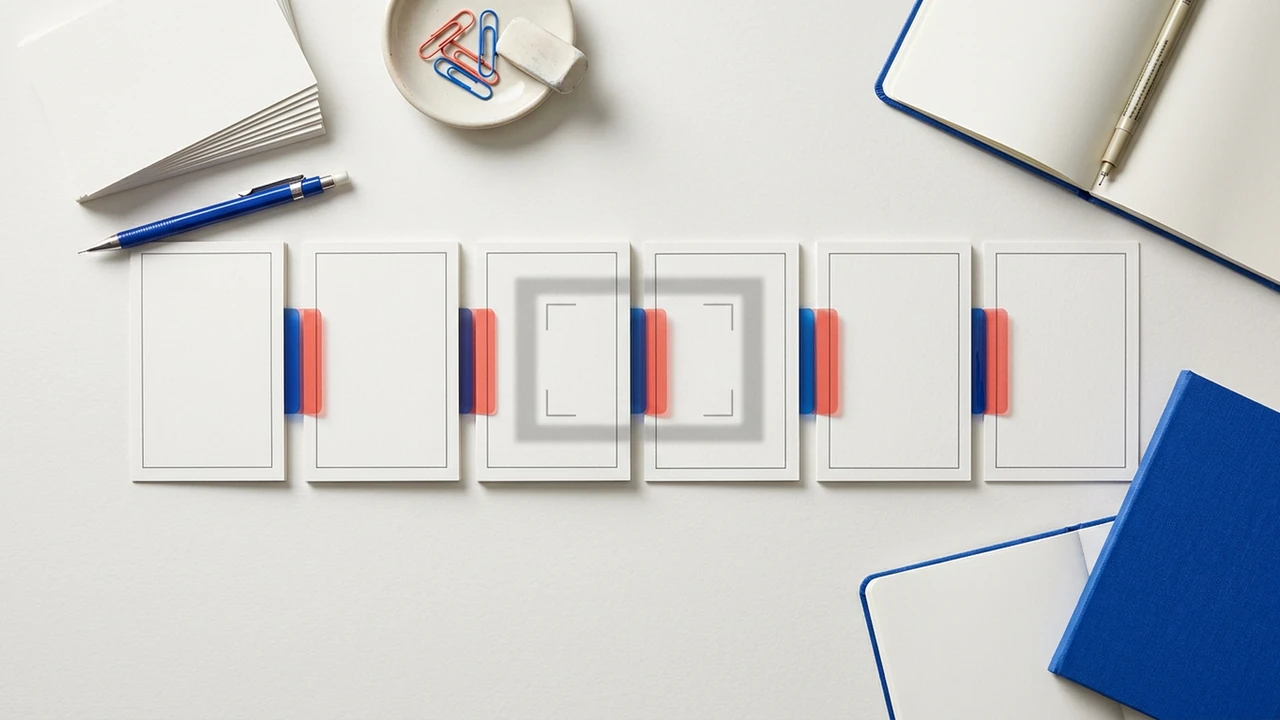
프리젠테이션은 자동으로 시청 순서가 아닙니다. 이 템플릿은 각 슬라이드가 장면이 되기 전에 시청자가 이해해야 할 내용을 결정하는 데 도움이 됩니다.
Turn the deck into a viewer path
Use this worksheet when a slide deck already contains the facts, but the audience still needs help seeing the question, relationship, or decision behind them. It works for an internal presentation, course deck, product briefing, or customer explanation.
Start with the one outcome: after watching, what should the viewer understand, choose, or do? Keep source-specific figures, legal wording, and fast-changing details in the current deck or linked source.
Copy this slide-to-scene storyboard
| Slide or source | What the viewer needs to understand | Visual treatment | Narration focus | Keep in the source | Next scene should answer |
|---|---|---|---|---|---|
| Opening | Why this topic matters now | One situation, object, or contrast | Name the viewer question | Full background and secondary facts | What is changing? |
| Context | The baseline before a change | Timeline, map, or simple before state | Establish the shared context | Detailed history | What is the key relationship? |
| Core idea | The concept that makes later slides meaningful | Diagram, comparison, or labeled model | Explain one relationship at a time | Every label from the original slide | How does it work in sequence? |
| Evidence | The fact, chart, or example that supports the idea | One readable chart or worked example | Say what the evidence does and does not show | Full dataset and footnotes | What choice follows? |
| Decision | The option, tradeoff, or recommended action | Side-by-side comparison or decision flow | State the criterion for the choice | Edge cases and approvals | What happens next? |
| Close | The next useful action | Checklist, recap, or source link | Repeat the practical takeaway | Full reference material | Where should the viewer verify details? |
Fill it before you create
- Audience: Who will watch, and what do they already know?
- One outcome: What should be clearer after the video?
- Source owner: Which PPT or supporting document is current?
- Must remain exact: Terms, numbers, dates, units, and statements that cannot be paraphrased.
- Visual evidence: Which diagram, comparison, chart, physical object, or process actually explains the point?
- Update trigger: What deck change means the video should be reviewed again?
A useful design rule
Do not make every slide one scene. Combine slides that answer the same question, and split a dense slide when it contains more than one relationship. The viewer should be able to see the relevant visual evidence before the narration moves on.
For an example of a source-led teaching sequence, see the Exposure Triangle Course Outline. When your storyboard is ready, create the explanation from your PPT or PowerPoint presentation.
출처 지원 사례
이 작업이 어떻게 비디오가 되는지 확인하십시오.
FAQ