
Plantilla de Runbook de TI a vídeo
Publicado 3 ago 2026 por Xinwei
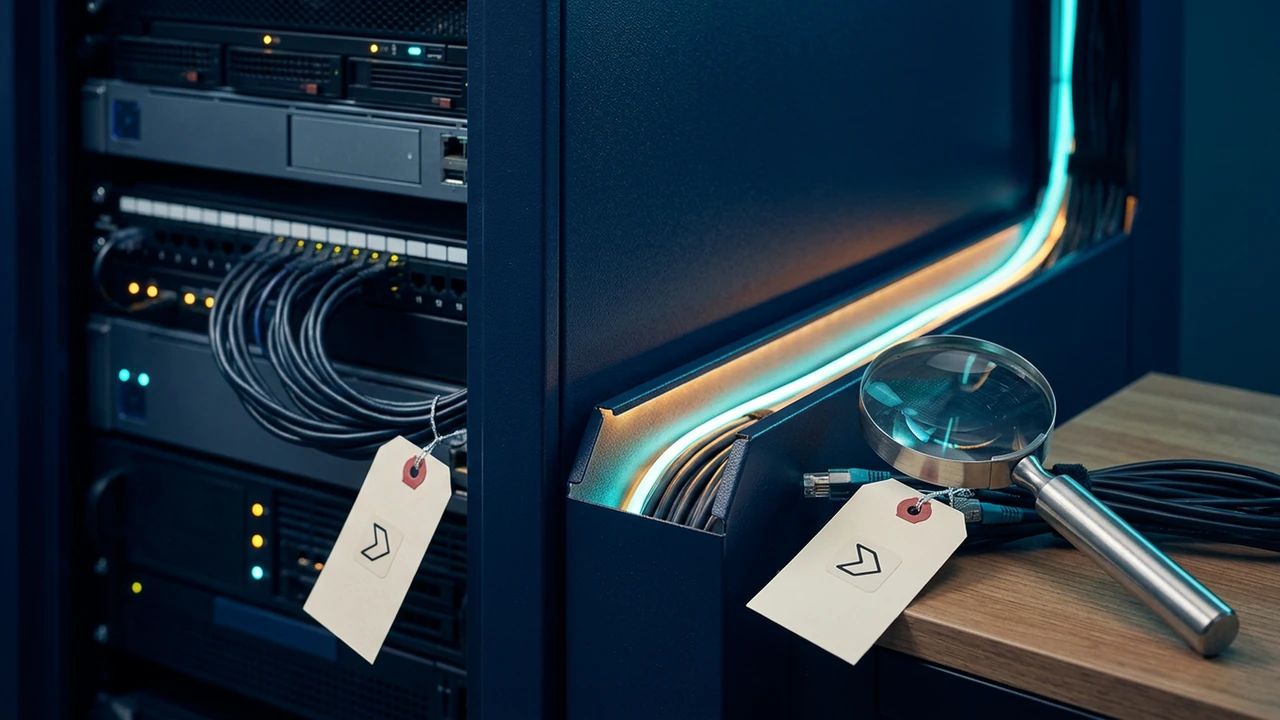
Durante un incidente, las personas necesitan reconocer rápidamente el estado actual y el próximo propietario. Un vídeo puede hacer que la primera respuesta sea más fácil de seguir; el runbook aún posee el procedimiento completo y la política de escalamiento.
Teach the first response, not every incident detail
An operations video is useful when it helps a viewer identify the trigger, collect the right evidence, choose the normal route, and know when to hand off. It should not replace privileged dashboards, access controls, incident logs, or the current runbook.
Copy this IT runbook video template
- Trigger: What symptom or alert starts this workflow?
- State check: What does the first owner need to observe or confirm?
- Evidence package: Which identifier, time window, log, or screenshot belongs in the handoff?
- Normal route: What is the safe first action when the condition is confirmed?
- Decision boundary: What condition changes the route or requires escalation?
- Next owner: Who receives the handoff, and what do they need?
- Source of truth: Where is the current runbook and incident policy?
Make the operational boundary visible
Use a simple state-to-route diagram: observe, assess, route, hand off. Avoid a fake dashboard or a long list of commands. The viewer should leave knowing what to check first and when not to continue alone.
Review before sharing
Ask the runbook owner to verify terminology, trigger conditions, escalation paths, and any information that must remain access-controlled. When the runbook changes, update the visual sequence around the changed decision rather than reciting the entire document again.
The IT incident triage case demonstrates a source-led triage and handoff path. Use a current URL or technical document when the runbook and viewer role are ready.
Casos respaldados por fuentes
Mira como esta tarea se convierte en un vídeo
FAQ